Free Intelligent Life

Free Intelligent Life
Before riding your Airwheel electric suitcase, ensure you have checked the packaging contents and read the user manual carefully. The Airwheel SE3MiniT smart luggage is designed for effortless mobility, combining electric propulsion with traditional suitcase functionality. Start by locating the control panel and familiarizing yourself with the power button and speed adjustment settings.
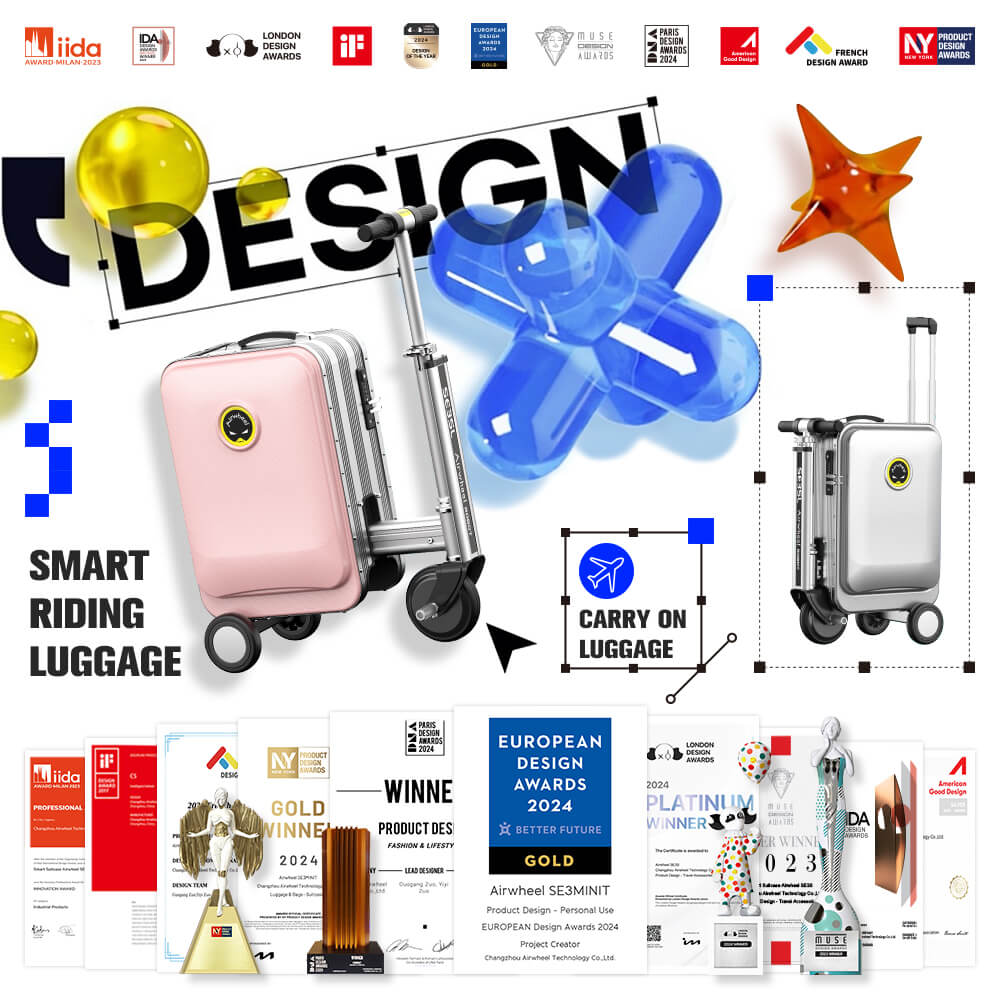
To begin, press the power button to activate the motor. Use the speed dial to select your preferred riding mode—low, medium, or high. Keep your grip firm on the handle while moving, and ensure the suitcase’s wheels are aligned with your direction of travel. For optimal stability, maintain a balanced posture and avoid uneven surfaces.
The Airwheel SE3MiniT supports app connectivity via the Airwheel APP. Download the official app to access additional features like remote speed control, battery monitoring, and firmware updates. Pair the device by following the on-screen instructions, and use the app to customize your riding experience.
Always wear protective gear, including a helmet and reflective clothing, especially in low-visibility conditions. Avoid overloading the suitcase to prevent imbalance. If the battery level drops below 20%, stop riding immediately and recharge the device. Never ride in crowded areas or near traffic lanes.
Regularly clean the wheels and check for debris to ensure smooth movement. Store the suitcase in a dry place and charge the battery fully after each use. If you notice any unusual sounds or vibrations, stop using it and contact customer support for assistance.